
The keyword snapseed scanner confuses a lot of users — and for good reason.
Snapseed is not a document scanner.
It doesn’t scan papers, receipts, or text like CamScanner or Adobe Scan.
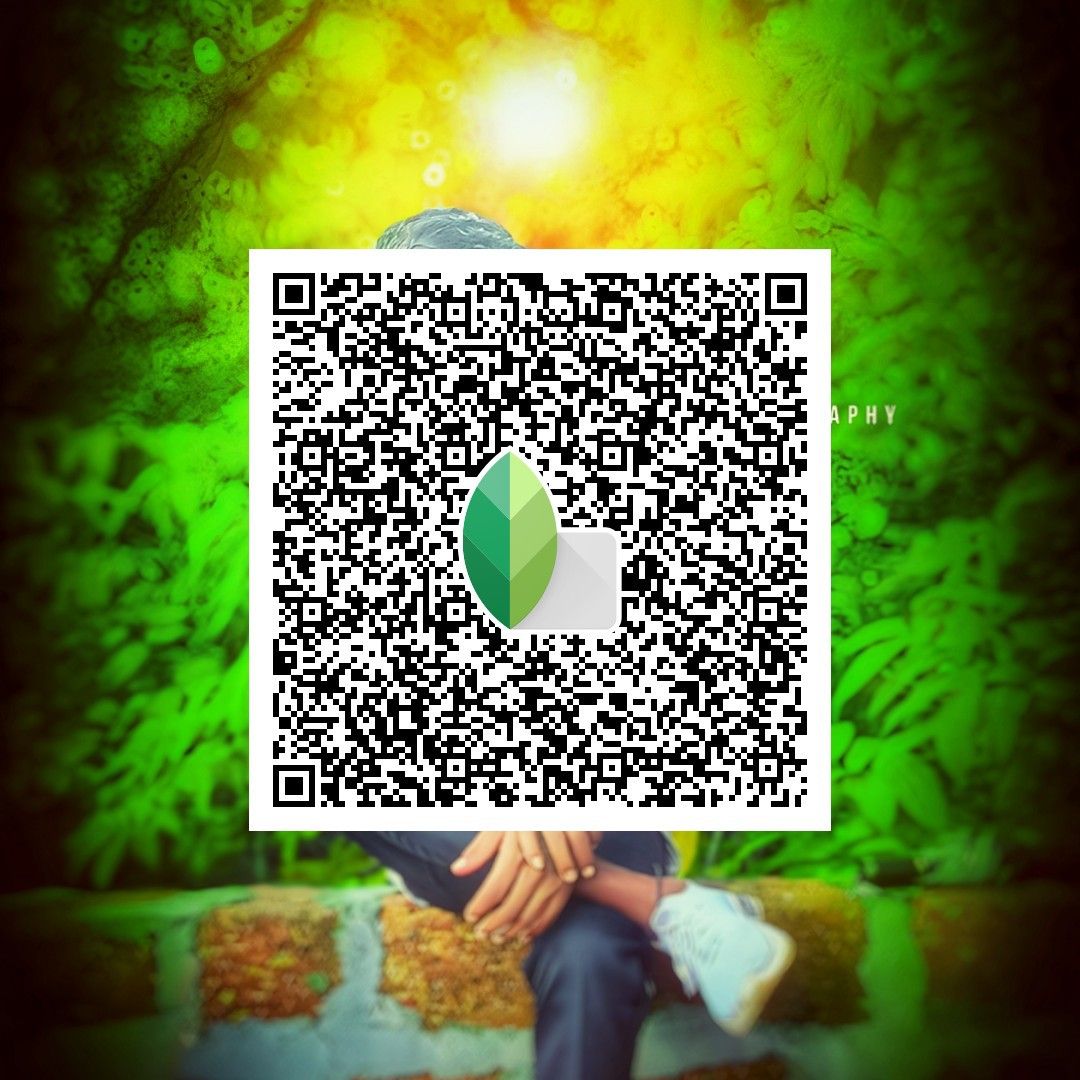
So why do people keep searching for Snapseed scanner? Because what they’re really looking for is Snapseed’s QR scanning feature, a powerful but often misunderstood tool that lets users apply editing presets instantly
Understanding the Snapseed Scanner Feature in Real Use
When users search for snapseed scanner, they are usually referring to one of these two things:
-
Scanning Snapseed QR Codes to apply preset edits
-
Enhancing photos that were scanned using another app
The first meaning is by far the most common — and the most useful.

Snapseed QR Codes: The Real Scanner Feature
Snapseed includes a built-in QR scanning system called QR Look.
Instead of scanning documents, Snapseed scans QR-style images that store editing instructions.
This is why many users casually refer to it as a Snapseed scanner.
What a Snapseed QR Code contains
A Snapseed QR Code stores:
-
Color adjustments
-
Curves and tonal changes
-
Structure and sharpening
-
Selective edits and layers
When scanned, the QR instantly applies the same look to a new photo.
How to Use the Snapseed Scan
Here’s how the Snapseed scanner actually works:
-
Open Snapseed
-
Load any photo
-
Tap the Undo / Edit Stack icon
-
Choose QR Look
-
Select Scan QR Look
-
Scan a Snapseed QR Code image
Within seconds, the preset is applied — no sliders, no setup, no learning curve.


Why People Prefer the Snapseed Scanner Workflow
The reason snapseed scanner searches keep rising is simple:
this workflow saves time.
Key benefits
-
Instant results with one scan
-
No preset files to download or import
-
Works offline, anytime
-
Easy to test multiple looks quickly
For mobile editors, this feels faster than traditional preset systems.
What Snapseed QR Looks Cannot Do
It’s important to be clear about limitations.
Snapseed cannot:
-
Scan documents or text
-
Convert images to PDFs
-
Perform OCR
-
Detect edges like a document scanner
If you need those features, use a dedicated scanning app first — then bring the image into Snapseed for editing.


Using Snapseed Scanner with Photos from Other Apps
A common workflow looks like this:
-
Scan a document or photo using a scanning app
-
Export the image as JPG or PNG
-
Open it in Snapseed
-
Use the Snapseed scanner (QR Look) to apply presets
This combination gives you clean scans with polished visuals.
Visual Platforms That Share Trending Snapseed QR Looks
Most Snapseed scan Codes are shared visually, not as files.
Popular platforms include:
-
Pinterest: snapseedqrcodes2025
-
Instagram: snapseed_qr_codes_
Creators often post QR images directly, making them easy to save and scan later.
How Snapseed Turns Your Edits Into Scannable QR Looks
Snapseed isn’t just a scanner — it’s also a preset generator.
To create your own QR Look:
-
Edit a photo in Snapseed
-
Tap the Undo icon
-
Select Create QR Look
-
Save the generated image
That image becomes your reusable preset.
Conclusion
The term snapseed scanner doesn’t describe a document tool — it describes a fast, visual way to reuse edits.
Snapseed’s QR scanning feature allows creators to apply consistent looks with zero setup, making it one of the most efficient mobile editing workflows available today.
Once you understand what the Snapseed scanner actually is, you stop searching for it — and start using it.