Most Snapseed users are editing photos the slow way — and they don’t even realize it.
While others spend minutes adjusting sliders, a growing group of creators are finishing edits in seconds using Snapseed QR Codes. No tutorials, no guesswork, no repeated steps. Once you understand how these QR codes really work, Snapseed stops being just an editor and starts becoming your personal editing system. This isn’t about “presets” in the usual sense. It’s about copy-pasting taste, instantly.
The Real Reason Snapseed QR Codes Are Exploding
People today don’t want more tools. They want less effort with better results.
Snapseed QR Codes solve three problems at once:
-
No learning curve
-
No time wasted repeating edits
-
No inconsistency between photos
That’s why creators, street photographers, Instagram editors, and even casual users are quietly building their own QR libraries instead of editing from scratch. What makes this shift interesting is that it’s not driven by beginners — it’s driven by people who already know how to edit. Once users understand how much time is lost recreating the same look again and again, the logic becomes obvious: save the style, not the steps.
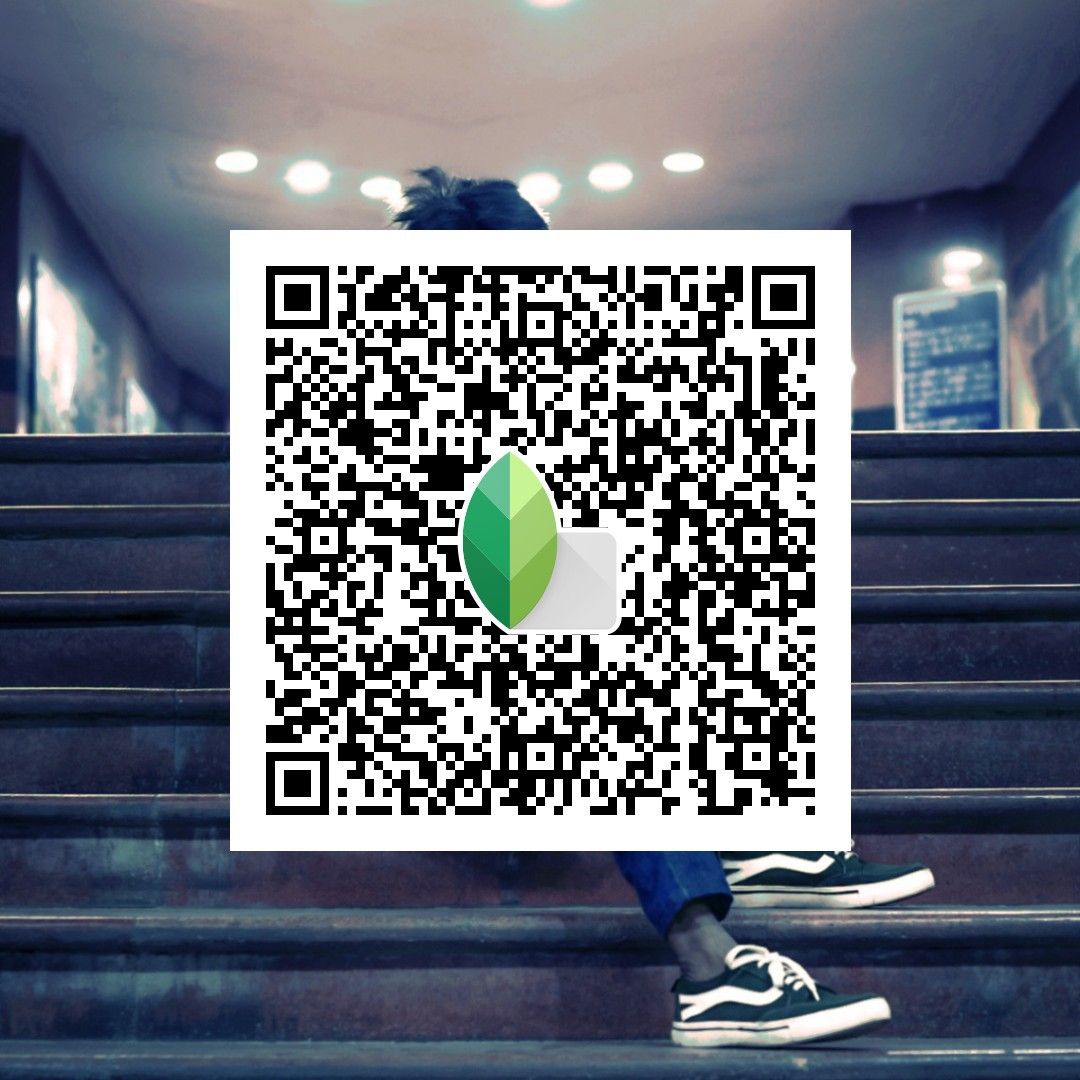
A single Snapseed QR Code can capture an entire editing workflow — contrast balance, color tone, grain, sharpening, even subtle mood adjustments. Scan once, apply instantly, and the image already looks 80–90% finished. From there, only small tweaks are needed, if any at all.


Not All Snapseed QR Codes Are Worth Using
Here’s the uncomfortable truth: Most Snapseed QR Codes online look impressive… but don’t work in real life.
Good QR codes are built to:
-
Adapt to different lighting
-
Preserve skin tones
-
Keep photos editable, not over-processed
Bad ones only look good on one demo image.
That’s why experienced users don’t collect many QR codes — they collect a few that actually stick.
How People Really Use Snapseed QR Codes Today
Forget the “one QR for everything” idea.
Smart users apply Snapseed QR Codes like this:
-
One QR for indoor low-light photos
-
One QR for outdoor street shots
-
One QR for portraits
-
One QR for fast Instagram uploads
This workflow turns Snapseed into a one-tap editing system, not a traditional editor. Instead of chasing the “perfect preset,” experienced users design context-based QRs. Each code is optimized for a specific lighting condition, subject type, and publishing goal. The result isn’t just faster editing — it’s predictable quality.
This system also changes how people shoot photos. When you already know which QR will be applied later, you start shooting with intention. You frame differently. You expose more confidently. Editing becomes an extension of shooting, not a correction step. For social media creators, the “fast Instagram upload” QR is especially powerful. It’s tuned for mobile screens, compression, and attention-grabbing contrast — scan, export, post. No overthinking, no second guessing. In practice, Snapseed stops feeling like an editor full of tools and sliders. It becomes a personal style engine, driven by a small but powerful library of QR codes built around real-world scenarios.


Why Snapseed QR Codes Feel Different From Presets
Unlike presets in other apps, Snapseed QR Codes:
-
Don’t lock you into a fixed look
-
Let you tweak every step after scanning
-
Work offline, anytime
That flexibility is exactly why Snapseed remains relevant while other editing apps fade in and out. Snapseed QR Codes work differently. A QR doesn’t “flatten” the edit. It simply recreates the entire editing process: every slider, every adjustment, every tool — all still editable. This gives users control without forcing them to build edits from zero. Here’s how that plays out in real use.
1. Soft Indoor Portrait Preset
A portrait QR might include lowered highlights, gentle contrast, slightly warm white balance, and reduced structure for smoother skin.


2. Street Contrast Preset
For street photos, a QR may push contrast, deepen shadows, and slightly desaturate colors to create a gritty mood. If the scene was shot at noon instead of sunset, you can easily pull back highlights or soften shadows — without breaking the overall look.


3. Moody Night Preset
Low-light QRs usually include noise control, selective brightness, and controlled color temperature. Because Snapseed works offline, you can apply and adjust these edits anywhere — even while traveling or shooting at night without a connection. That’s why Snapseed doesn’t chase trends — it outlives them. While other apps come and go with flashy filters, Snapseed QR Codes quietly give users what they actually want: control, speed, and creative freedom.

Where to Find Snapseed QR Codes That Actually Work
If you’re tired of random QR dumps, look for collections that:
-
Show before/after comparisons
-
Explain lighting conditions
-
Focus on real photos, not stock images
👉 For daily Snapseed QR Codes optimized for Instagram aesthetics, explore curated collections on Instagram and Pinterest where creators test presets on real shots.
👉 If you want to go deeper than QR codes, you can also discover advanced Snapseed features and hidden tools that most users never touch.
👉 New to the app? Start from the basics by understanding what Snapseed really is and why it’s still relevant before collecting presets.
Final Thought
Snapseed QR Codes aren’t a shortcut for lazy editing. They’re a shortcut for intentional editing.
Once you find QR codes that match your taste, Snapseed stops being an app you use — and becomes a style you repeat.
And that’s why people who discover this feature rarely talk about it…
They’re too busy editing faster than everyone else.